Disable Virtualization
Based Security
⚠️ Make sure Bitlocker is off
⚠️
Check if VBS is Enabled
- Press
Win + R, type msinfo32. Look for
Virtualization-based Security – if Running,
it’s enabled.
Disable Core Isolation
- Settings → Privacy & Security
→ Windows Security → Device Security →
Core isolation details.
- Turn Memory Integrity off. Restart.
Disable VBS via Script
(Recommended)
Download and run disable-device-guard.bat as
Administrator.
Instructions:
- Download the batch file.
Right-click disable-device-guard.bat.
- Select Run as administrator.
Follow any on-screen prompts.
3. Restart your PC when prompted.
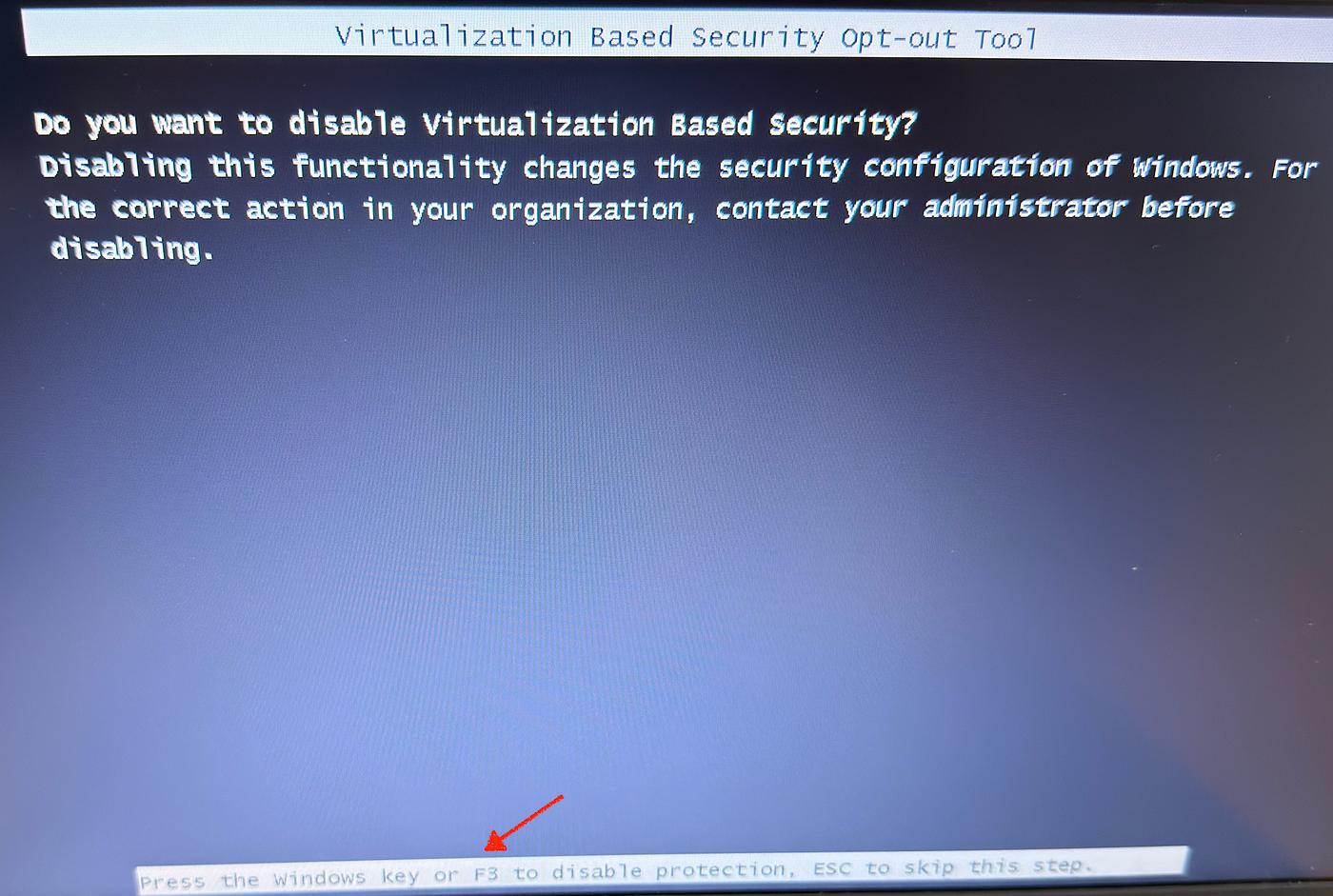
Credential Guard → press Windows key or F3
VBS → press Windows key or F3 again
Verify It Worked
Press Win + R, type: msinfo32
Look for Virtualization-based Security.
- Not enabled = VBS is disabled.
- Running = VBS is still enabled.
You can also try this quick fix:
Using Command Prompt (Admin)
Run the following command as Administrator:
bcdedit /set hypervisorlaunchtype off
Then restart your computer.